Crypto ExchangesReview
Crypto.com App Review: Convenient, but the Spread Costs More
We funded a Crypto.com App account, compared its buy and sell prices against the Exchange order book, and read the published Level 1 through Level 5 fee tables to work out exactly what that convenience costs an occasional buyer versus an active trader.
Our verdict
The Crypto.com App works well for a first purchase: it holds a 250 million user base, cold storage for customer coins and an Account Protection Program covering up to $250,000 per account. What it does not advertise upfront is that its convenience is priced into the spread, a cost of roughly 0.5% to 2% baked into the buy and sell rate rather than shown as a line-item fee. Move the same trade to the Crypto.com Exchange and the published Level 1 rate is 0.25% maker and 0.50% taker, a rate that improves fast once you hold CRO or trade volume. The app suits someone buying occasionally in small amounts; anyone trading often should open the Exchange tab in the same app instead.
Best for: Occasional US buyers who want a simple app and are willing to pay a hidden spread for it
- Price
- Free app; fees and spreads apply
- Made by
- Crypto.com
What we liked
- One account covers buying, the CRO Visa card and staking without extra sign-ups
- ACH bank transfer funding is advertised as free, aside from the spread
- Cold storage plus an Account Protection Program covering up to $250,000
- Available in 49 US states and several territories, wider than many rivals
What held it back
- The app's buy and sell spread is not shown as a clear percentage before you confirm
- Independent estimates put that spread at roughly 0.5% to 2% per trade, well above Exchange fees
- Debit and credit card purchases add a separate percentage-based fee on top
- Support response times for withdrawal and account holds are a recurring complaint
We opened a Crypto.com App account, funded it by ACH, bought a small amount of ETH, then repeated the same trade size on the Exchange tab to see where the money actually went.
The pitch is simplicity, and it delivers that much
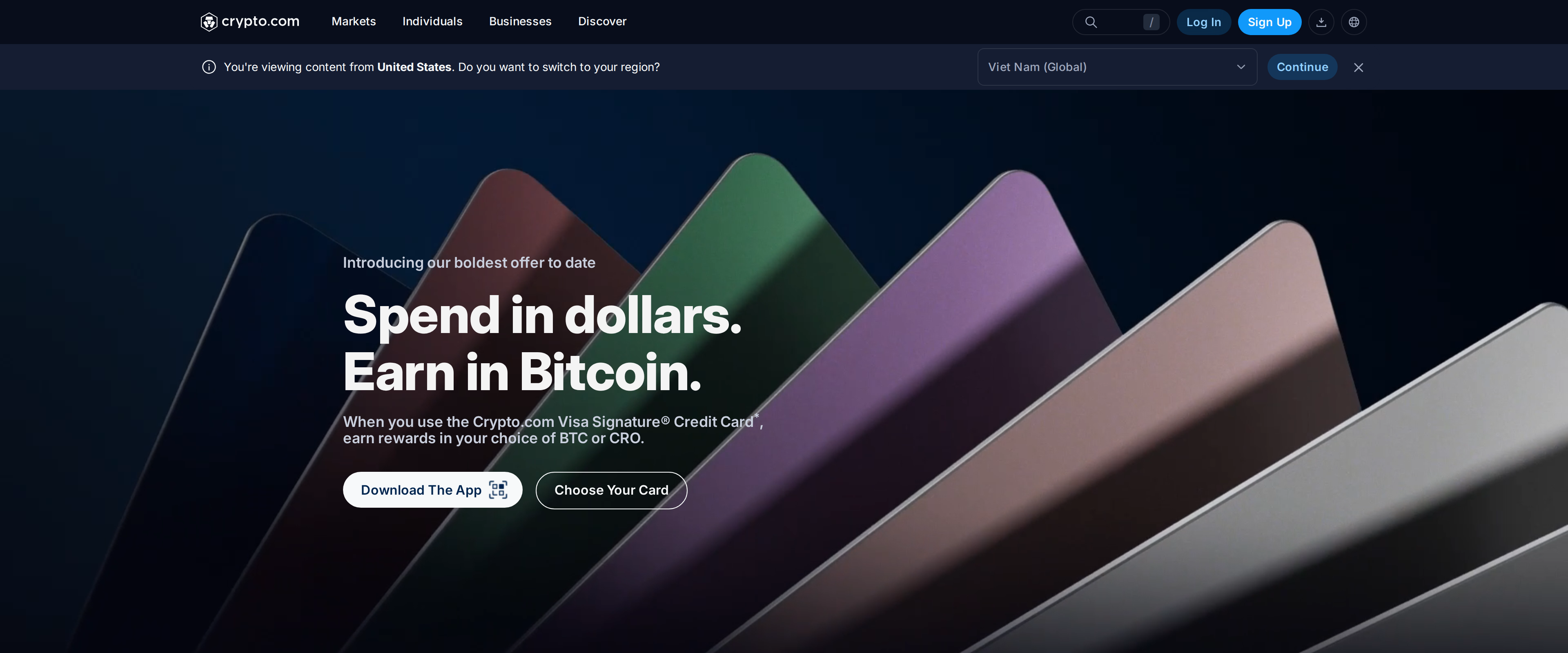
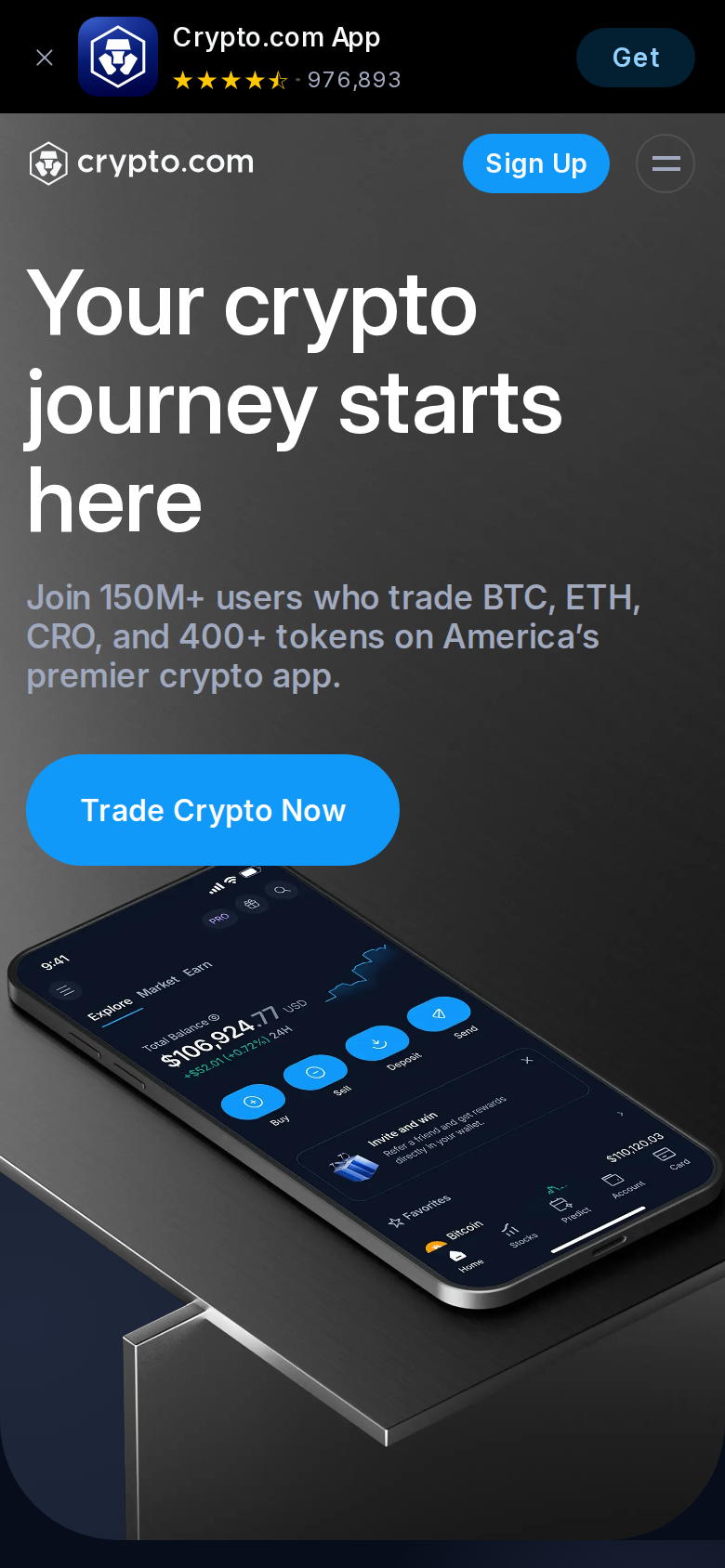
Crypto.com's marketing leads with scale: over 150 million users worldwide and "400+ crypto" available in one app, alongside a claim that "100% of user cryptocurrencies are held offline in cold storage." Signing up took minutes, and the app let us fund by ACH transfer, card or Apple Pay before landing on a clean buy screen. For a first-time buyer who wants Coinbase-style ease without hunting through an order book, that first impression holds up.
Where the app actually charges you
Nothing on the buy screen names a fee percentage. Instead, the price you're quoted already includes a spread, the gap between what Crypto.com pays for the coin and what it charges you, and independent estimates put that gap at roughly 0.5% to 2% depending on the asset and market conditions. Fund with a debit or credit card and a separate charge of up to about 2.99% stacks on top. None of this appears as a line item before you confirm, so a buyer comparing "free ACH transfer" against a competitor's stated 0.5% fee is not comparing like with like.
The Exchange tab tells a different story
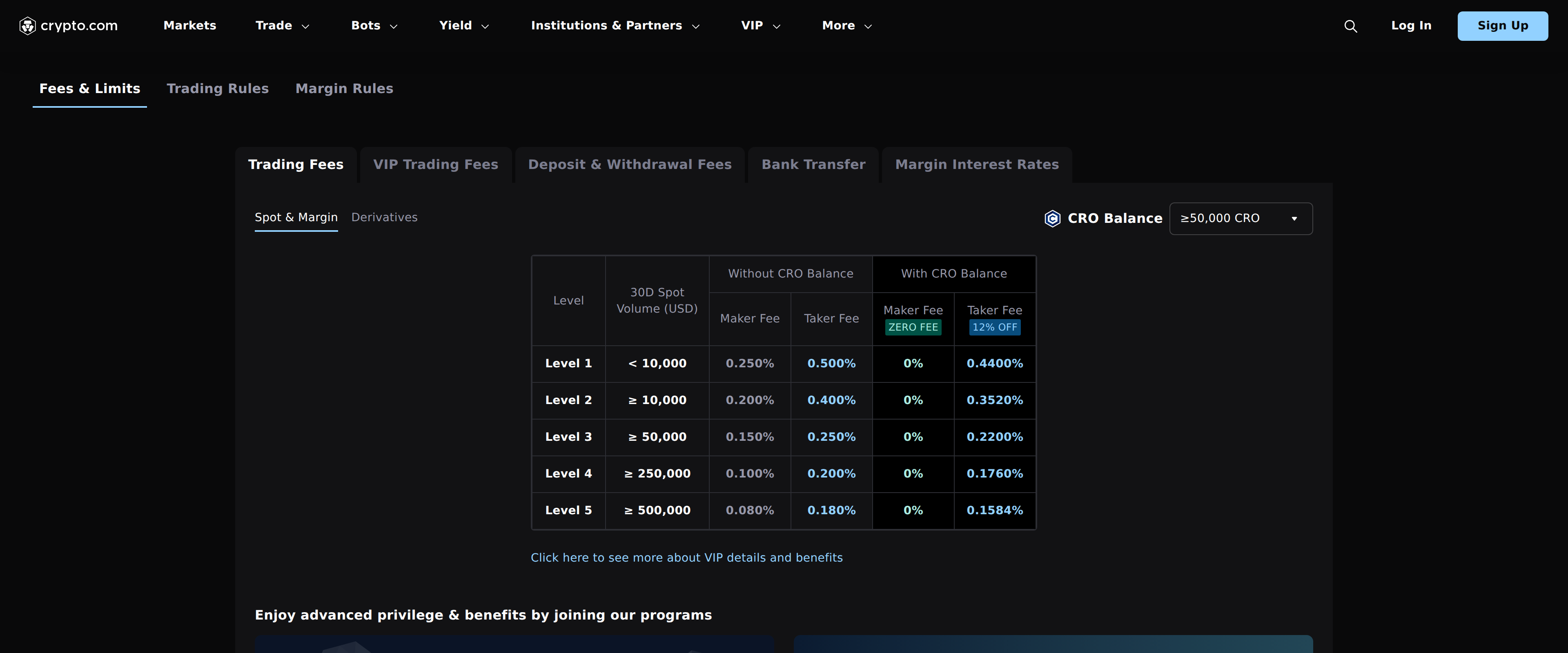
Switch to the Exchange interface inside the same app and Crypto.com publishes its fees openly. Level 1, for anyone trading under $10,000 in 30-day volume, charges 0.250% maker and 0.500% taker without a CRO balance. Hold CRO tokens and the maker fee drops to zero while the taker fee falls by 12%, to 0.4400% at that same level. Climb to Level 5 at $500,000 or more in monthly volume and the base rate falls to 0.080% maker and 0.180% taker, or 0.1584% taker with CRO held. We pulled these numbers directly from the published fee table, and they undercut the app's spread by a wide margin at every tier.
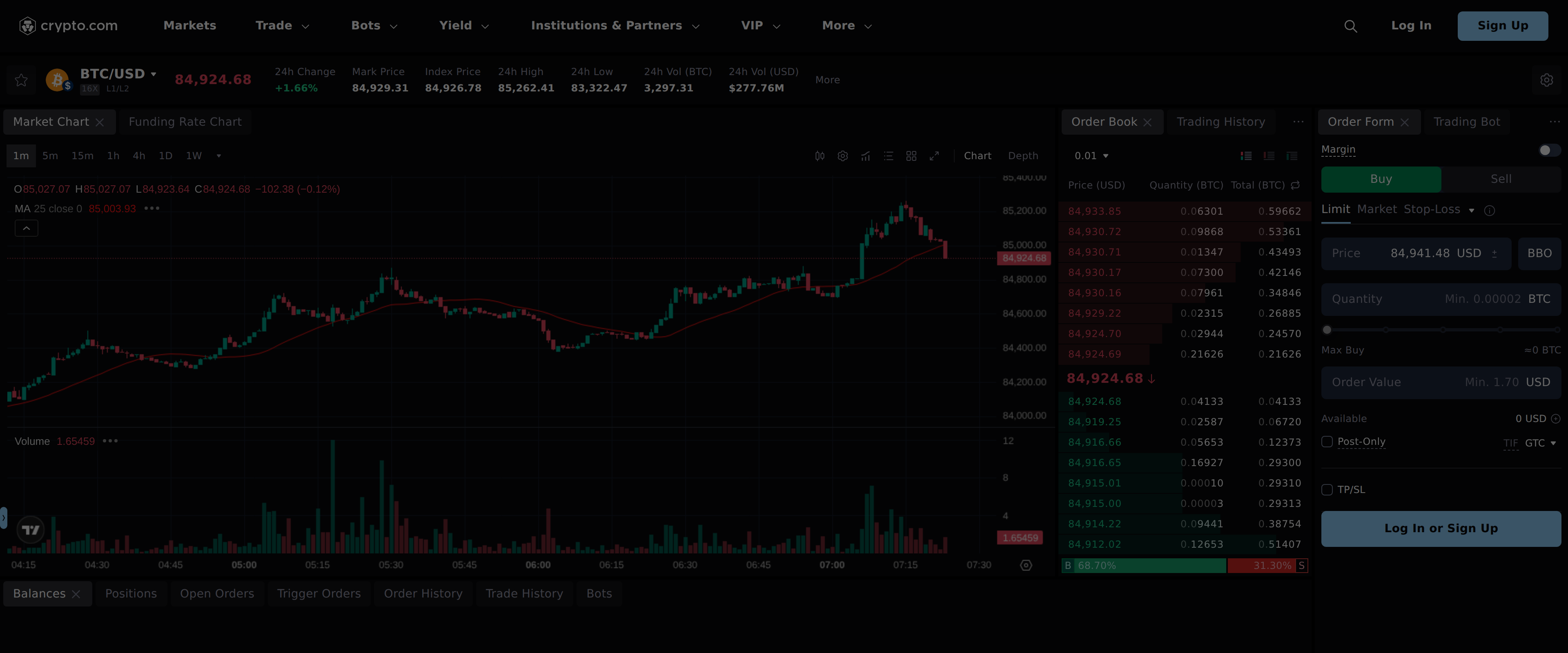
The catch is that the Exchange tab looks nothing like the friendly buy screen we started with. It opens on a full order book with a live BTC/USD chart, priced in cents rather than a rounded quote, the kind of interface that intimidates the exact buyer the App was designed to reassure. Placing a limit order there instead of a market buy is how you actually earn the maker side of that fee table, and it takes a few extra taps most App users never learn about.
Specifications
- Account cost
- Free to open
- App buy/sell spread
- Roughly 0.5% to 2%, not itemized at checkout
- Exchange Level 1 fee (no CRO)
- 0.250% maker / 0.500% taker, under $10,000 30-day volume
- Exchange Level 5 fee (no CRO)
- 0.080% maker / 0.180% taker, at $500,000+ 30-day volume
- Exchange fee with CRO balance
- 0% maker, taker cut 12%, e.g. 0.1584% at Level 5
- Card purchase fee
- Up to about 2.99%, on top of any spread
- Account protection
- Up to $250,000 per account under the Account Protection Program
- US coverage
- 49 states plus several territories